 destinysync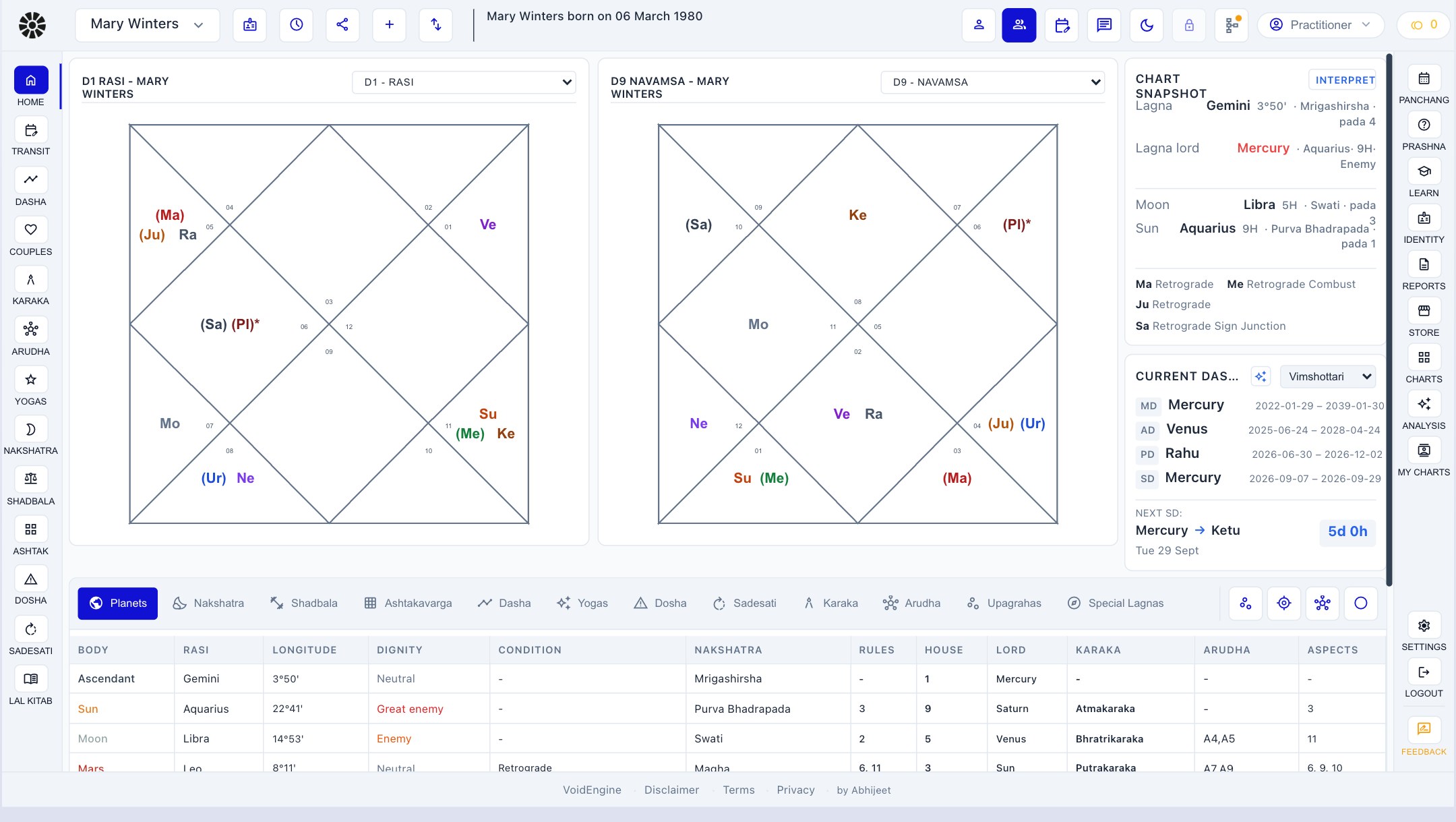
The chart stays beside the conversation
The client's details stay visible while you move through charts and timing systems. Your notes remain part of the working record, and present mode gives the client a clean view without exposing them.
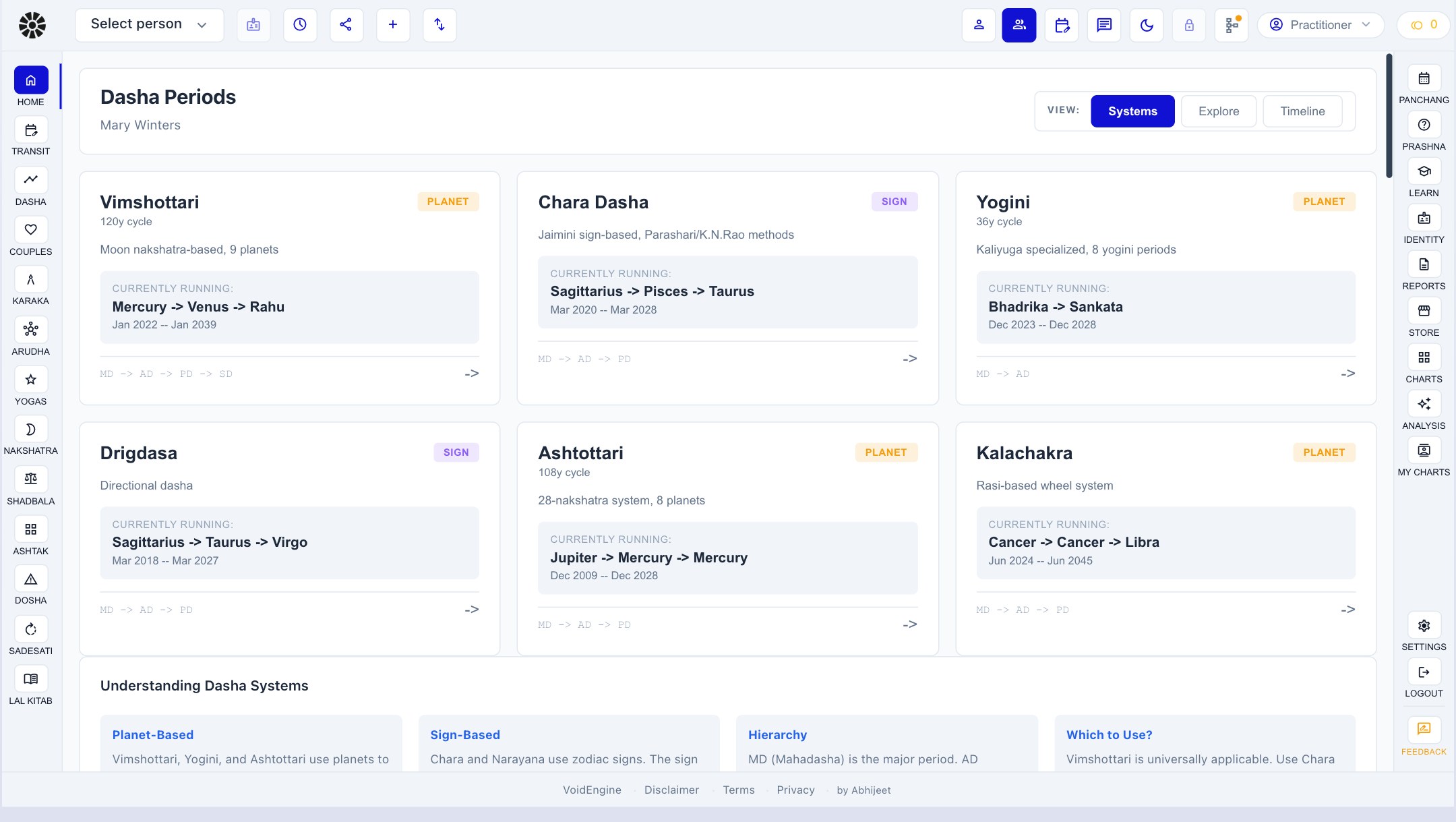
Save the client once. Their vargas, dasha periods, yogas, doshas, shadbala, and ashtakavarga remain attached to the same record.
Move through the reading with your own notes and checklist beside you. When you share the chart, present mode keeps the working material private.
Prashna, reports, previous notes, and the questions left open at the end of a session remain available when the client returns.
From preparation to the next meeting
- 1
Prepare
Open the dossier before the call, review the chart structure, and mark the periods or combinations you expect to examine. These notes stay in your working view.
- 2
Read
As the conversation changes direction, move from D1 into the relevant varga, yoga, dosha, or dasha without rebuilding the client elsewhere.
- 3
Present
Give the client a clean view of the chart you are discussing while your notes and preparation remain on your side of the desk.
- 4
Follow up
Close the session with its notes, report context, and unresolved questions still attached to the client record. The next meeting begins with the history intact.
Different practices, one continuous record
Independent astrologers
Keep preparation, the live reading, and follow-up together for each person you see.
Practices with many clients
Bring an existing roster into Pro without recreating every client chart by hand.
Practices built around reports
Carry the same calculation into a finished report and deliver it as PDF or text.
Questions
What's the difference between the app and DestinySync Pro?
The app helps a person read their own chart. DestinySync Pro is the working environment for an astrologer handling client records, live consultations, private notes, and reports. Both use the same calculation engine.
What does Pro add beyond the app?
Pro adds yogas, doshas, shadbala, ashtakavarga, client records, private working notes, present mode, and professional report output to the chart calculations available in the app.
How much does it cost?
DestinySync Pro is ₹5,000 a month per seat. If pricing changes, practitioners with a pending or active request will receive a clear update before payment is requested.
How do I request access?
Use the request access button on this page. The request asks for practice context so access can be matched to the right use case.
Does deleting my account remove data from both the app and Pro?
Yes. The app and Pro share one account and one calculation engine, so a single deletion request covers data held by both.
₹5,000 a month, per seat.
In limited release to practising astrologers. Request access and we'll be in touch.
Request practitioner access